打开 节省流量 就可以正常访问 google Youtube twitch等
清除opera app所有数据后. 使用全局代理/科学上网 打开opera。这样opera就不会将被默认搜索引擎google 强制改为 百度。
是opera 不是 欧朋浏览器。只有安卓版本有这个作用
https://download5.operacdn.com/ftp/pub/opera/android/9200/
不要再更新版本, 更新不可用。Index of /ftp/pub/opera/android/9200/
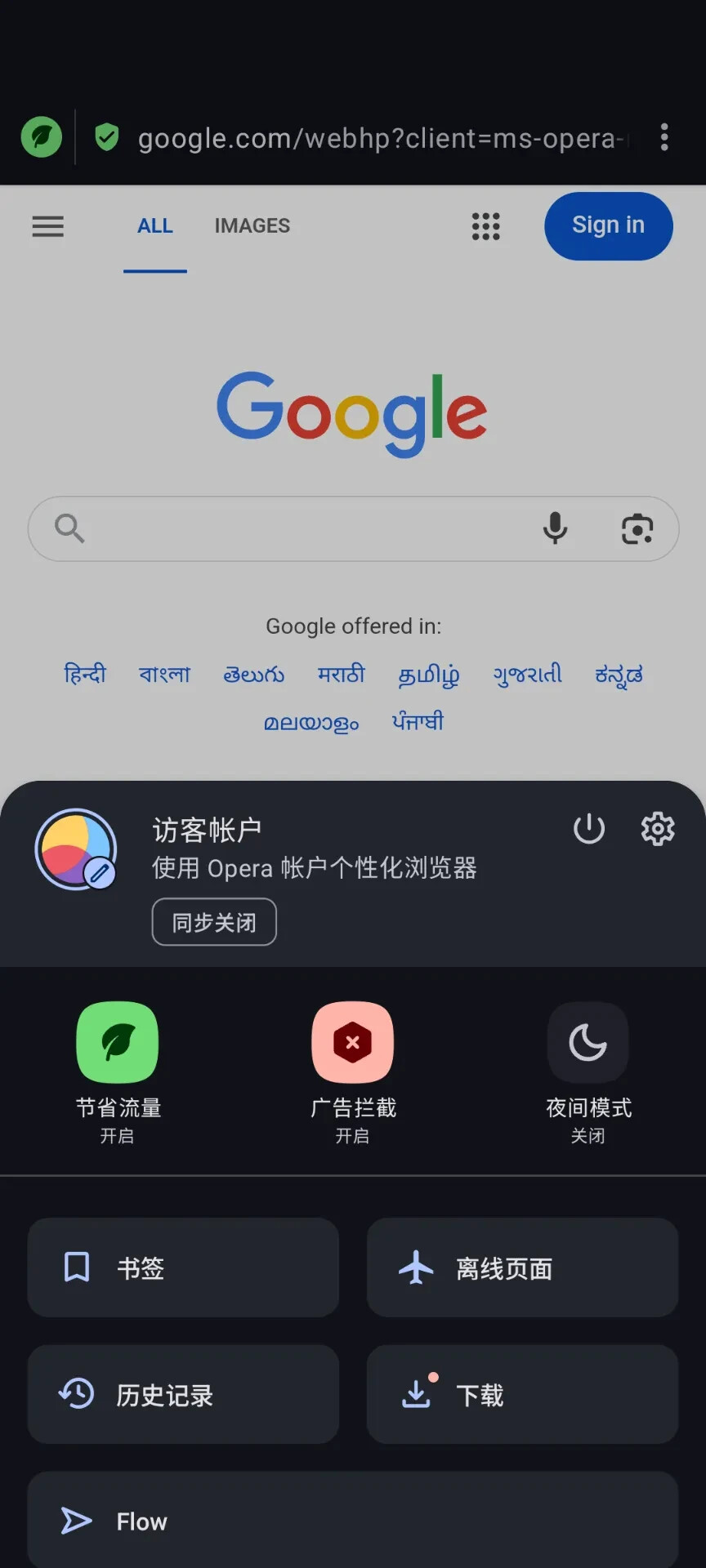
opera mini版更加简单,
手机设置里>开启私人DNS.输入 noads.joindns4.eu
关闭全部网络>进入opera mini后,打开网络就行。
访问一次 https://google.com/ncr 避免重定向到 Google香港。
- 将 opera hosts blocker.bat.mp4 改名为
opera hosts blocker.bat并运行. - 安装 opera air 桌面版
- 使用全局代理
- 启用opera air里的 V P N。
- 关闭全局代理.
V P N已经正常。
安装好后使用 Every Proxy 安卓apk: 将手机 代理流量发送给win10
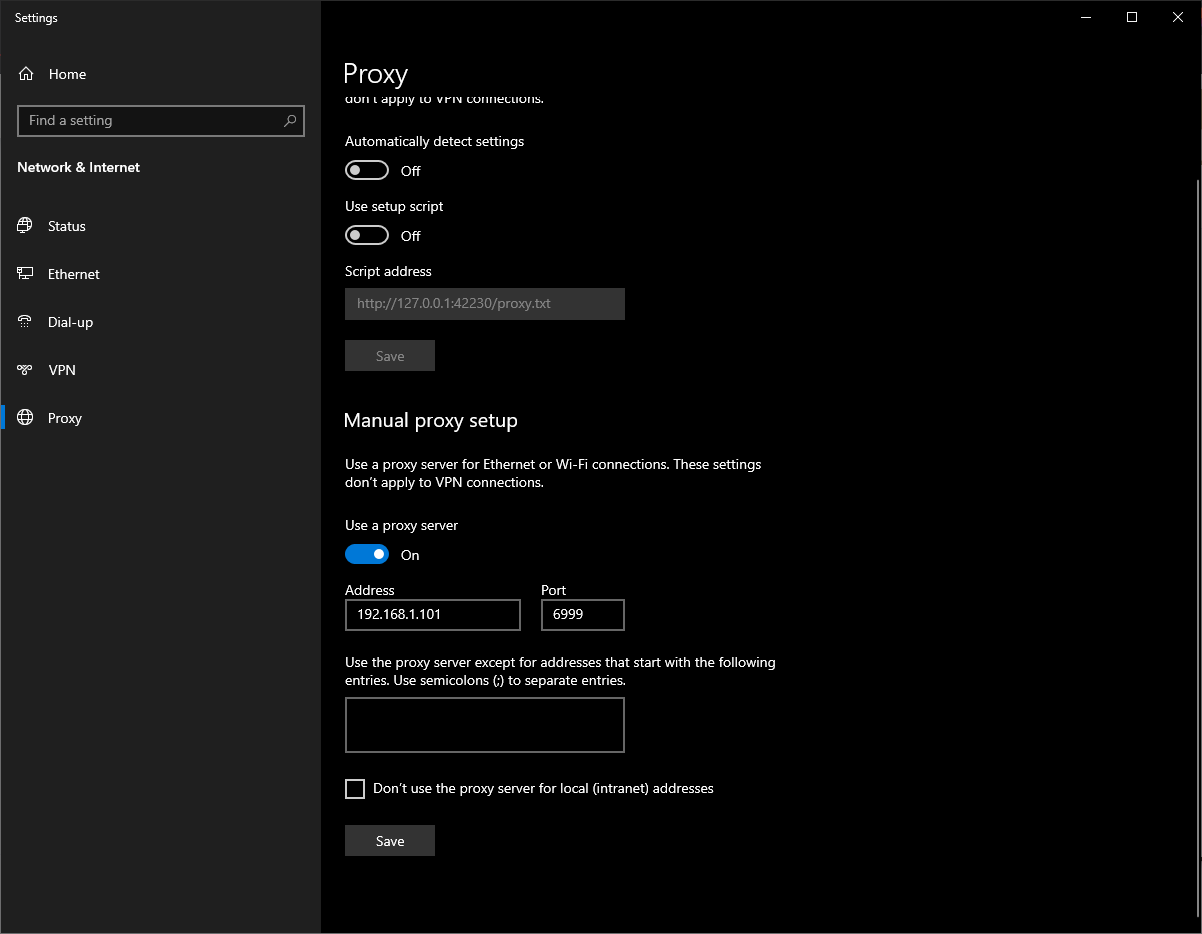
打开 opera air 网站
opera://settings/vpn
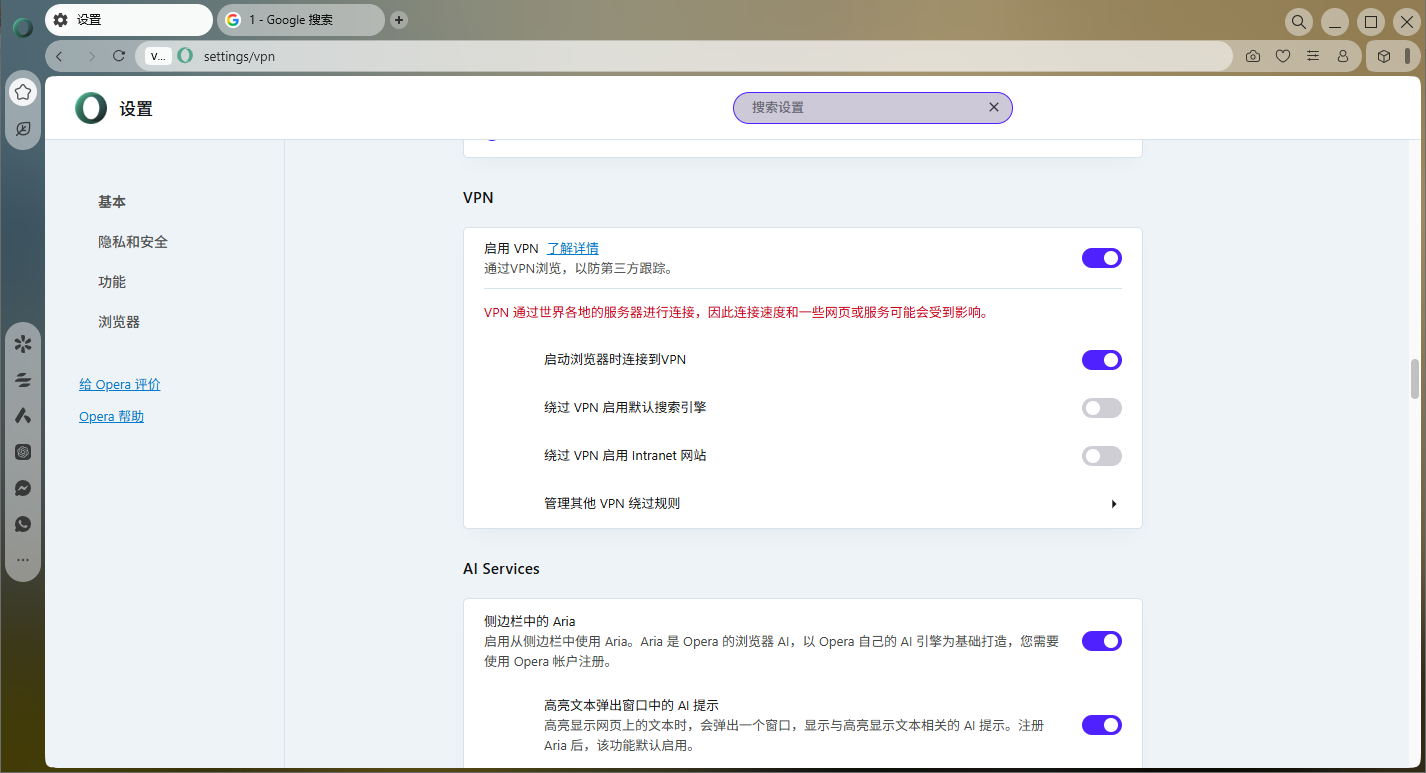
关闭 win10 代理。
opera air V P N 正常运行了。每次关闭浏览器都需要重复这个步骤。
CMD客户端
https://github.com/SLY-F0X/opera-proxy-android-wrapper
https://github.com/Snawoot/opera-proxy
https://github.com/Alexey71/opera-proxy
https://github.com/AnimeHaze/opera-proxy
https://github.com/snawoot-proxies-forks/opera-proxy
https://github.com/xteamlyer/opera-proxy
先使用个代理 然后在 运行命令opera-proxy.windows-amd64.exe -country EU -bind-address 127.0.0.1:8080 -api-proxy http://192.168.0.100:8080 然后在win10代理那输入127.0.0.1 8080 然后关闭你的代理